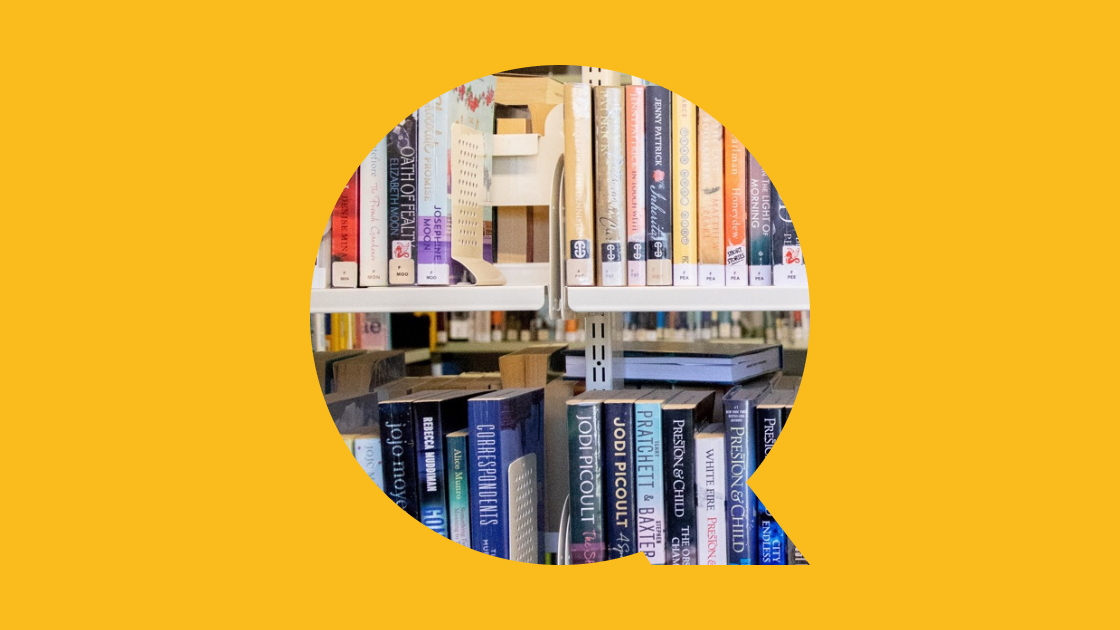
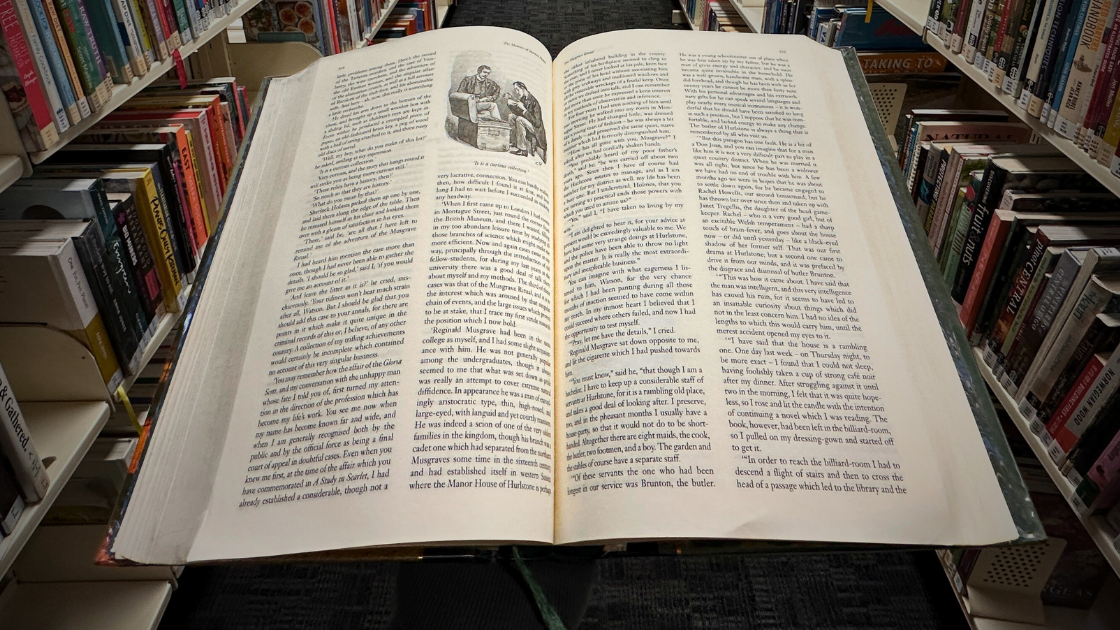
We offer a professionally curated selection of books, eBooks, and audiobooks for our library members.

Our collection includes:

  • A wide variety of fiction and non-fiction titles, from newly published to classics
  • eBooks and eAudiobooks
  • Large print books
  • Dyslexia friendly books
  • Audiobooks (books on CD)

For children: We have highlighted our reading resources for children on our Kid's webpages.

For young adults: Please take a look at our young adult webpages for our young adult collections.

Borrowing conditions

Loan Period: Permanent library members can borrow books for 3 weeks.

Loan Limits:

  • Permanent members can borrow up to 50 items at a time
  • Temporary members can borrow up to 4 items at a time
  • BorrowBox: 6 eBooks, 6 eAudiobooks, 6 eMagazines
  • Libby: 5 titles

Please also review our Membership Terms and Conditions.

If you would like us to add an item to our collection, please complete our Suggestion for Purchase form.

How to search for books, eBooks, and eAudiobooks

Search the library catalogue for physical books

The library catalogue will show you everything in our collection.

We recommend using it in a web browser to search for physical books, although you can also browse the catalogue via the Library App. 

  • Open the library catalogue and login using your library card number and pin/password
  • Once you're in the catalogue you can browse for items across the Central Otago and Queenstown Lakes Districts
  • If an item is not in your home branch, you can place a hold
  • Click on My Account to update your details and modify your holds
  • Click on My Lists to create and manage your book lists

If you need help with the catalogue, (including with placing holds), we suggest checking out the help webpage or asking one of your local librarians.

Librarian's Tip: The library catalogue will also show you Libby and Borrowbox eBooks and eAudiobooks, but we recommend using the Libby or Borrowbox app for the best user experience if you want to borrow, place holds, and read eBooks and eAudiobooks.
Search Borrowbox for a selection of eBooks and eAudiobooks

To get started on a phone or tablet

  • Download the app to your phone or tablet
  • Look for "Central Otago and Queenstown Lakes District Libraries"
  • Login using your library card number and pin/password

Librarian's Tip: Don't have an eReader and want to test one? You can borrow different models of Kobo eReaders from the library.

To get started on a desktop or laptop

If you need help we suggest visiting the BorrowBox help page.
Search Libby for a selection of eBooks and eAudiobooks

To get started on a phone or tablet

  • Download the app to your phone or tablet
  • Look for "Central Otago/Queenstown Lakes District Libraries"
  • Login using your library card number and pin/password

Librarian's Tip: Don't have an eReader and want to test one? You can borrow different models of Kobo eReaders from the library.

To get started on a desktop or laptop

If you need help we suggest visiting the Libby help page.
Find and read books published by Bridget Williams Books (BWB) online

Bridget Williams Books is an award-winning New Zealand publisher publishing books on New Zealand history, Māori history, women’s issues and contemporary topics have steadily expanded the boundaries of what New Zealand readers can expect to discover.

To get started on any device

  • Head to our Bridget Williams page and start browsing the collections
  • Login using your library card number and pin/password

If you need help we suggest visiting the Help tab of each collection (once you have logged in).
FAQs

What if I want a book from another library?

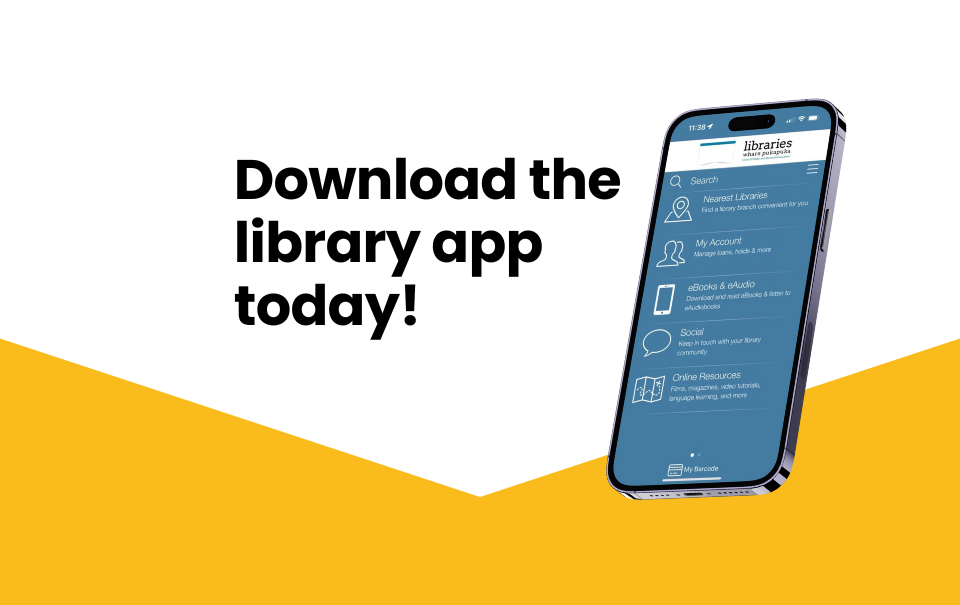
If the item you're looking for is currently shelved in another library within our districts, you have the option to place a hold on the item and it will be transported to your home library*. To place a hold, use our online catalogue, or the Library App, or contact the library. We will notify you by email when the book is ready for pickup.


If we don't have the item in our collection, you can place an Interlibrary Loan request* and potentially have the item sourced from another library in Aotearoa or internationally.


*Fees & charges apply in some instances, please visit our Fees & Charges page for details

How can I find my next read?

Feel free to ask our wonderful team for some suggestions for your next read; otherwise the following sites are handy places to check out:

  • Our Library Catalogue - look up a title that you've enjoyed in our catalogue, open it up and scroll to the bottom (below the abstract), and expand the 'More information' box to see more from the author and similar authors and genres
  • Goodreads - pop in titles or genres you've enjoyed in the past and you'll receive some recommendations; sign up and you can log your reading, follow friends, and leave reviews about books.
  • Fantastic Fiction - search for an author, title, or series, and see suggestions for other reads.