Standard loan period: 3 weeks

Physical item borrowing limits:

  • Up to 50 items for permanent members
  • Up to four items for temporary members

In addition, all library members can borrow up to:

  • six eBooks, six eAudiobooks, six eMagazines on BorrowBox
  • five titles total via Libby

Is something missing from our collection? Let us know by completing our Suggestion for Purchase form.
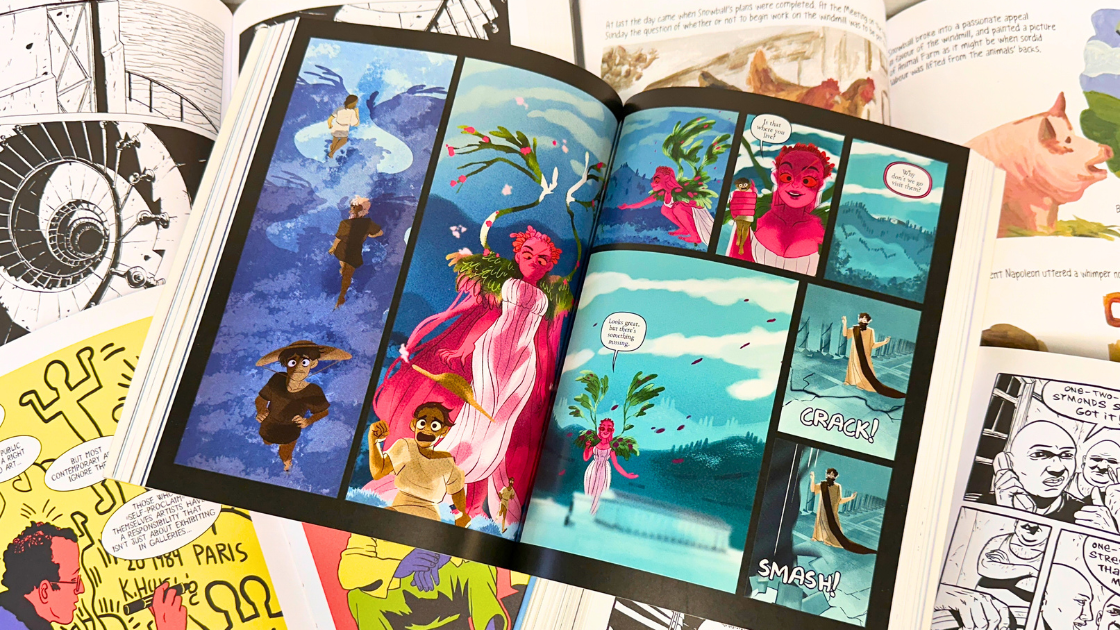
Find your next comic, graphic novel, or manga by browsing the catalogue or popping into your local library.

If you need help with the catalogue, we suggest checking out this help page or asking one of your local librarians.

We also recommend downloading the library app to browse our catalogue. It's available for Apple and Android devices.




Search the catalogue for comics, graphic novels or manga

Comics Plus provides unlimited online access to thousands of digital comics, graphic novels, and manga.

In addition to the main collection, you can navigate directly to tailored Comics Plus collections (by age group):

  • Unlimited online access to thousands of English language digital comics, graphic novels, and manga. This collection is suited to ages 3-10.
  • Unlimited online access to thousands of English language digital comics, graphic novels, and manga. This collection is suited to ages 8-18.

To get started on a phone or tablet

  • Download the app to your phone or tablet
  • Search for "Queenstown Lakes District Council Libraries NZ - Full Collection"
  • Login using your library card number and pin/password

To get started on a desktop or laptop

  • Click on   and sign in using your library card number and pin/password


If you need help we suggest visiting the Comics Plus help centre.
 

Browse Comics Plus

Read eComics, eGraphic Novels, and eManga on your computer, phone or tablet.

To get started on a phone or tablet

  • Download the app to your phone or tablet
  • Look for "Central Otago and Queenstown Lakes District Libraries"
  • Login using your library card number and pin/password

To get started on a desktop or laptop

  • Click on this link and login using your library card number and pin/password

If you need help we suggest visiting the BorrowBox help page.



Browse BorrowBox eComics, eGraphic Novels & eManga

Read eComics, eGraphic Novels, and eManga on your computer, phone or tablet.

To get started on a phone or tablet

  • Download the app to your phone or tablet
  • Look for "Central Otago/Queenstown Lakes District Libraries"
  • Login using your library card number and pin/password
  • To find eManga, change the subject filter to 'Comics & Manga'

To get started on a desktop or laptop

  • Click on this link and login using your library card number and pin/password

If you need help we suggest visiting the Libby help page.



Browse Libby eComics & eGraphic Novels