Our film streaming services are unlimited and do not cost anything, however; some of our DVDs have rental fees and loan limits. For more information, please visit our Fees and charges webpage.
Standard loan period: 3 weeks
Physical item borrowing limits - this includes DVDs:
Is something missing from our collection? Let us know by completing our Suggestion for Purchase form.
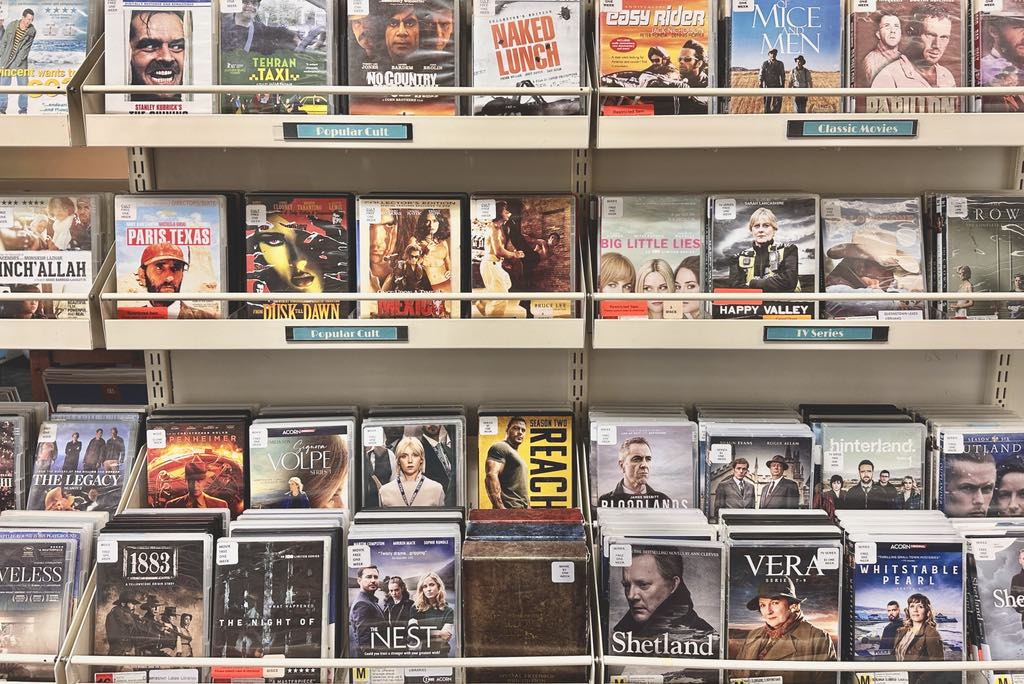
Find your next DVD by browsing the catalogue or popping into your local library.
Librarian's Tip: See a DVD you like but don't have a way to play it? You can borrow a DVD/Blu-Ray player from the library!
Stream award-winning movies, documentaries and acclaimed series without ads on your TV, computer, phone or tablet.
If you're looking for entertainment for children, log directly into Beamakids+, featuring age-appropriate films, series and educations content.
You can also follow the instructions on the Beamafilm website, which has detailed screenshots. If you need help, we suggest visiting the Beamafilm help page.
Please note that Beamafilm is provided for your personal and non-commercial use only. Take a look at the Beamafilm Terms and Conditions for more information.
New for 26/27!
Biblio+ allows you to stream a diverse collection of award-winning entertainment unlimited and ad-free, including TV series, films, documentaries and lots of BBC content.
Log in to Biblio+ online to create your Biblio+ account. You will first be asked to select your library (Queenstown Lakes District) and enter your library card number and pin/password. You will then be prompted to create a biblio+ account.
After you've created an account, you can download the app to your phone, tablet or smart TV for seamless streaming direct to your living room.

Stream from the world’s largest online catalogue of classical music and jazz videos to your TV, computer, phone or tablet.
With over 4,500+ videos including concerts, operas, ballets, documentaries, and master classes.
Please note: There are 2 medici.tv apps. Medici.tv is the paid service. Medici.tv EDU is the service for libraries, which you can use for free with your membership. Please check that you are logging into the correct app - Medici.tv EDU.
If you need help we suggest visiting the Medici.tv EDU help page.
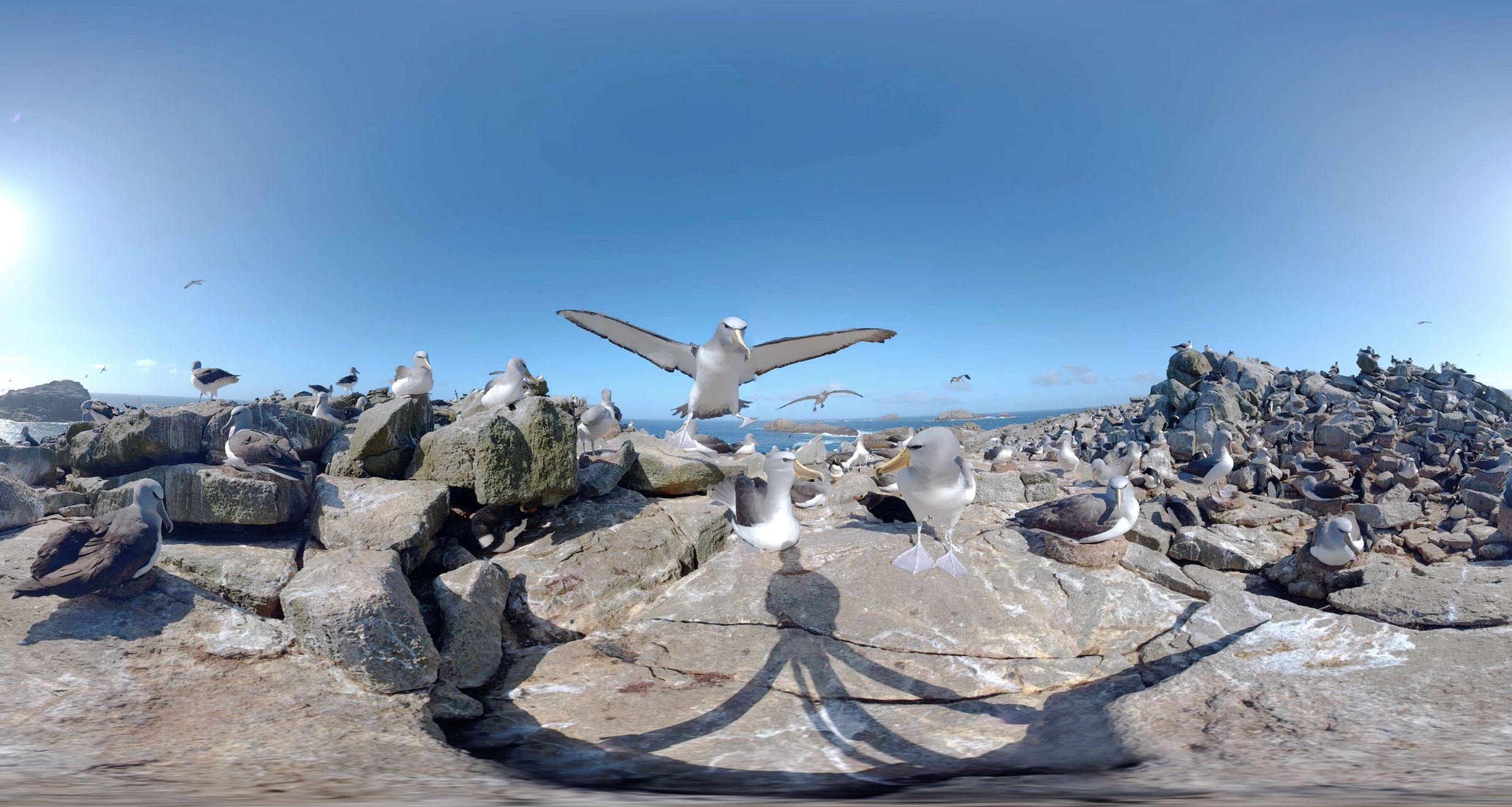
NZGeo VR has been in production since 2016 and features some 200 remarkable VR experiences from around NZ, including territories in in the tropics to the subantarctic to everywhere in between.
It works on desktop or mobile. On desktop you can grab and pan, and on mobile you can move the device around to see through the ‘magic window’.
Use our NZGeo link, then verify your library number and pin/password to start viewing.