We will have a change in our library hours from Wednesday 22 April due to the ANZAC Day commemorations. Please note our extended hours and closing days.
ANZAC Day-

- What's On
-
About
Mō Te Whare Pukapuka
- Young Adults
- Kids
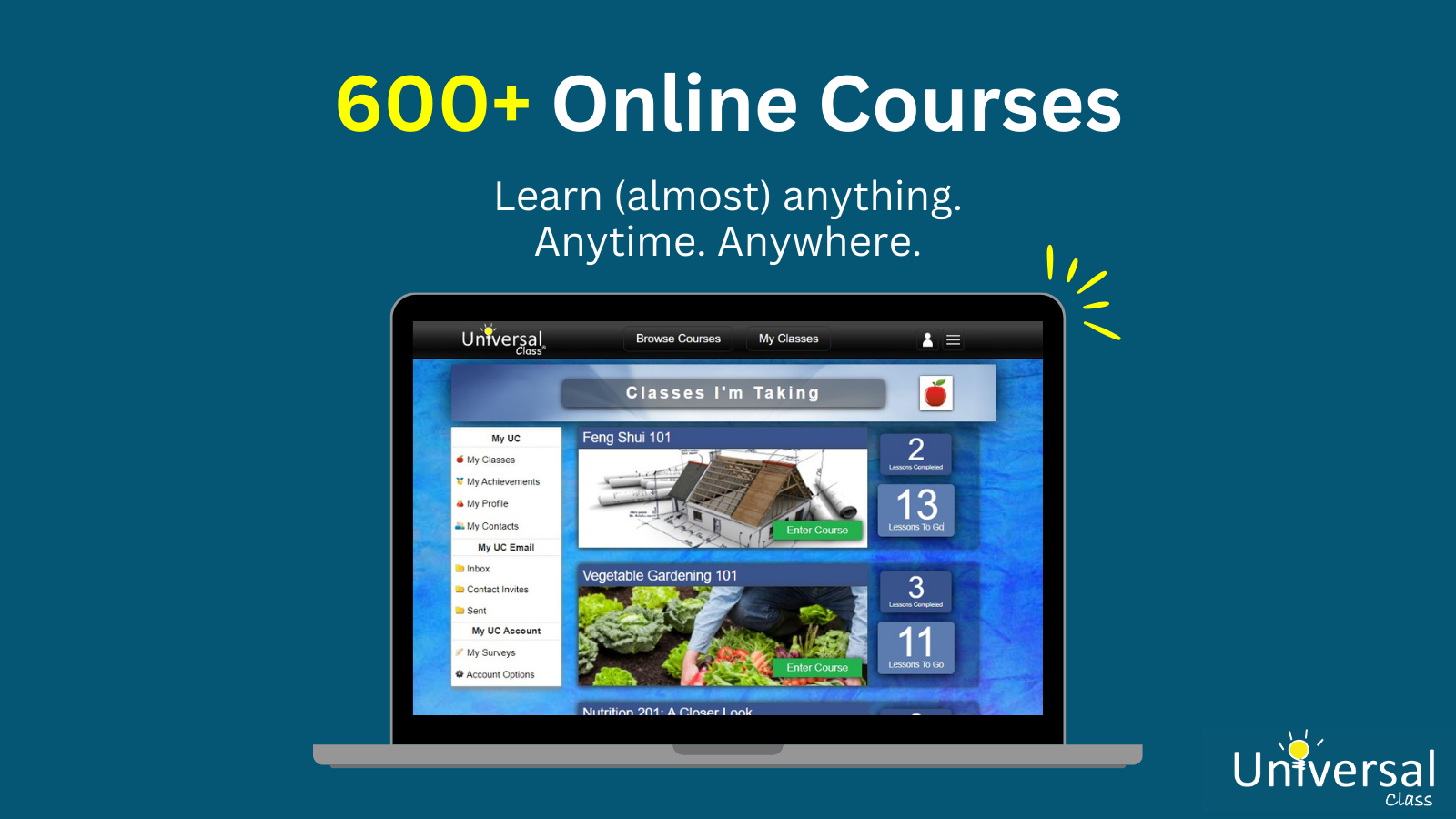
UniversalClass is an online learning platform accessible for free with your library membership.
With 600+ courses in 35+ subject areas, UniversalClass has something for everyone including:
Learners can take courses for fun or complete full-length courses with quizzes and assignments to earn Continuing Education Units (CEUs).
Subject areas include:
You can access UniversalClass for free as a Queenstown Lakes Libraries member: QLDC Libraries UniversalClass
You can browse the course catalogue without needing to log in.
If you would like to view and join a course, you will need to enter your library barcode number and password/PIN. These are the same details you use to access your library membership or our other eResources (such as Libby or Borrowbox). You will then need to create a UniversalClass account for your progress to be saved.
Please note: Pressing the 'Back' button may take you away from our library version of UniversalClass and to the public version. You will know you are in the public version if UniversalClass is asking you for payment. If this happens, please navigate to the library website and re-enter using our library link for UniversalClass. You should never have to pay for UniversalClass or enter any payment details if you are accessing it as a library member.
UniversalClass is currently only available via an internet browser or iPhone app.
If you have any problems accessing UniversalClass, please email libraryinfo@qldc.govt.nz and our Digital Services Librarian will help you.